Applications, members and permissions
Applications per environment
Each environment has its own set of applications: the modules you open from the environment, such as Explore, GraphForge or the AI Assistant. Open an environment from the home page to access them.
To understand what each application is for, see Menus and objects overview.
Members
Members and their roles are managed from the Users page of the Organization settings.
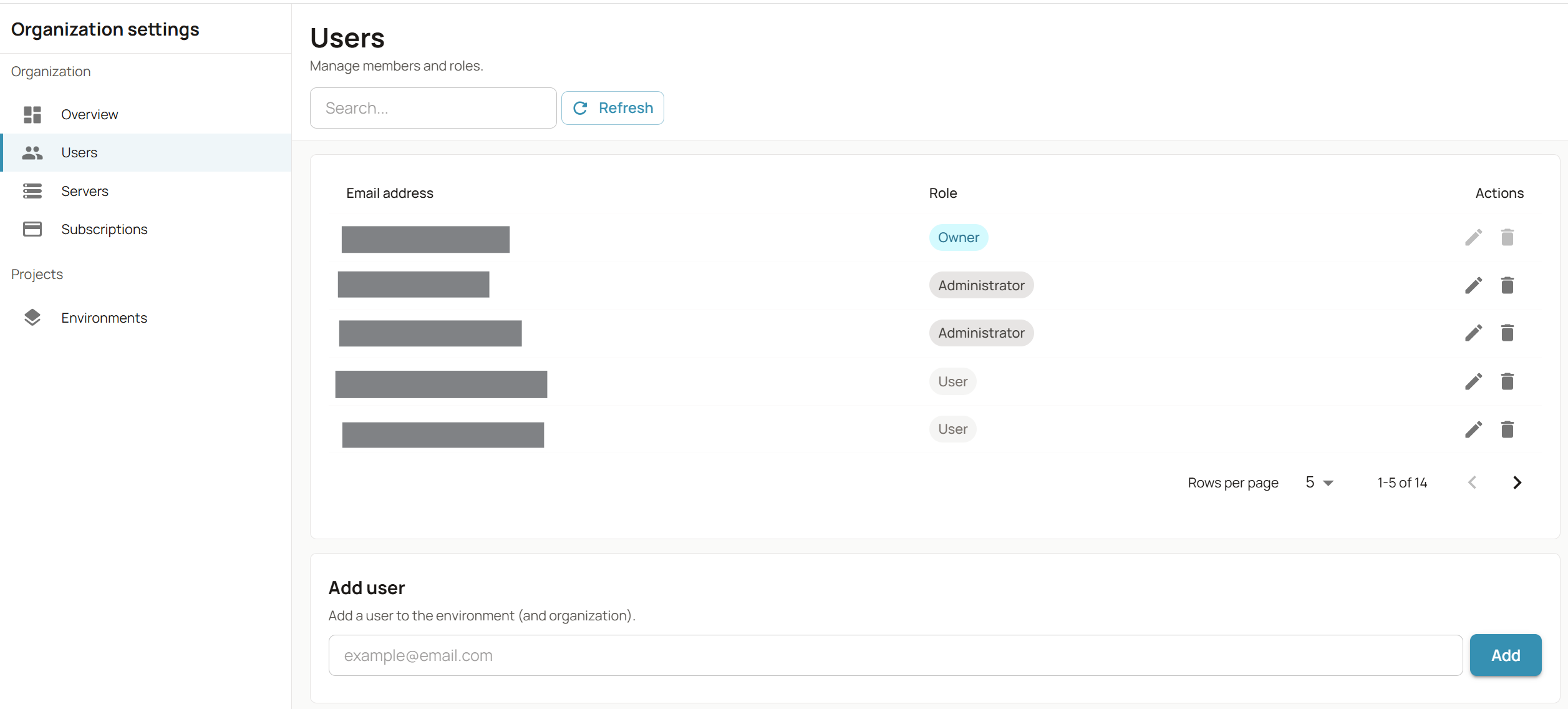
The page lists each user with their email address and role, and lets you edit a role or remove a user. The role of the Owner cannot be edited or removed.
To give someone access, enter their email address in Add user and click Add: the user is added to the environment (and to the organization). This action is also offered at the end of the creation of an environment (see Create a new environment). By default, you are the only member of an environment you create.
Permission levels
Each member has one of three roles:
| Role | What it means |
|---|---|
| User | Works in the environment, with its applications |
| Administrator | Same as User, and manages the members of the environment |
| Owner | Same as Administrator. The Owner is the creator of the environment |